Customer De-escalation
I designed this scenario-based e-learning concept project for a newly hired customer service personnel working for an airline.
Overview
- Audience: Newly hired customer service in an airline
- Responsibilities: Instructional Design, eLearning Development, Visual Design, Storyboarding, Action Mapping, Prototyping
- Tools used: Articulate 360, Adobe Illustrator, Miro, Google Suite
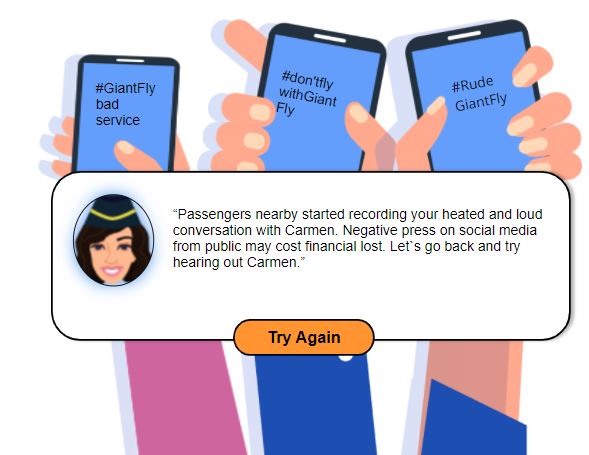
GiantFly (a fictitious client for this concept project) noticed that their customer service personnel were not de-escalating tense situations with passengers effectively. This led to costly consequences, such as a loss in customers’ faith and trending hashtags on social media for bad customer service experiences.
After analysing the performance problem, I confirmed that the customer service personnel lacked the skill and knowledge required to navigate these tense situations successfully. I proposed a scenario-based eLearning experience where the customer service personnel could practice speaking to upset customers and de-escalating the situation.
Our objective was to improve customer satisfaction and reduce the financial impacts of the problem by providing new hires with a risk-free environment to make choices and see consequences. This helps the learner connect their choices with real-world consequences.
The proposal was accepted, and we move forward with the project.
Process
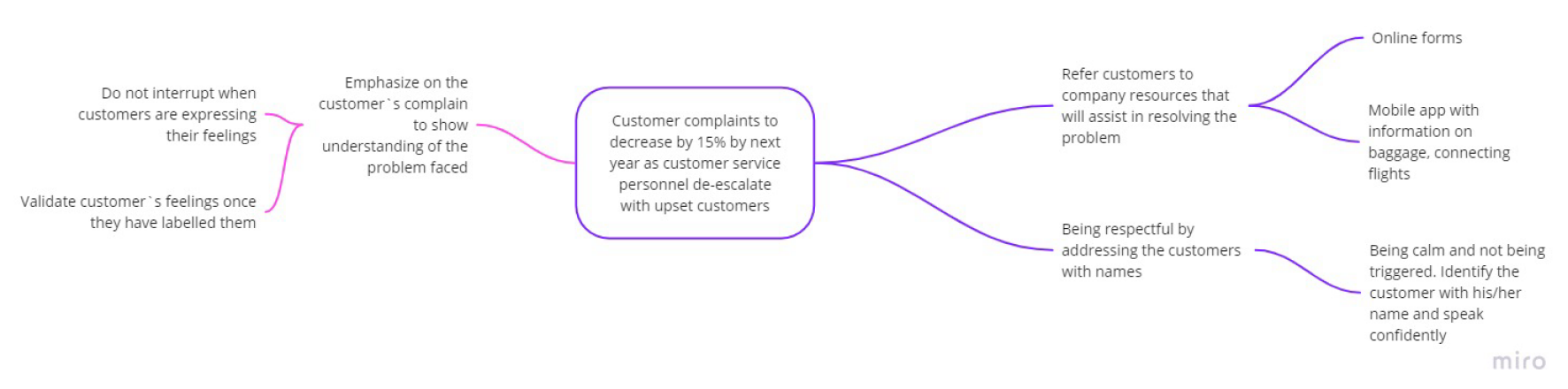
The Subject Matter Expert (SME) was consulted; in this case, an experienced customer service person who has been working in the airlines for more than 5 years. An action map was developed based on the overall goal of this project. We decided to measure progress by monitoring the customer satisfaction survey data. We then identified the actions required for customer service personnel to de-escalate tense situations and reduce customer complaints.
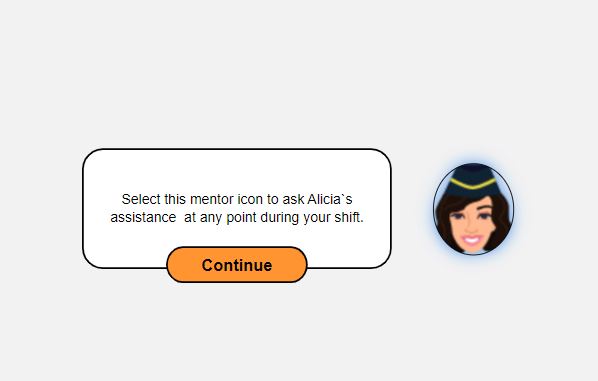
I chose an upset passenger over the loss of luggage upon arriving at the destination due to its common occurrence although several possible situations may require de-escalation. Question prompts appear featuring correct choices and realistic distractors as the learner goes through the scenario. I incorporated a mentor to provide assistance and simulate the guidance of actual customer service personnel at the airport.
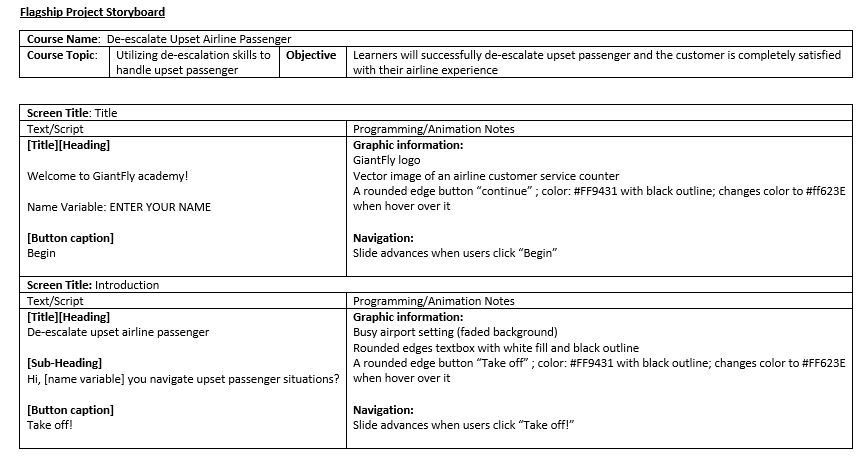
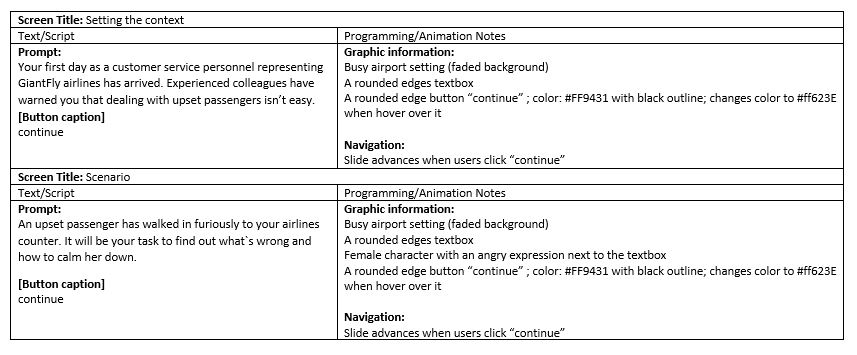
I moved on to the visual decision step of the process by creating mockups for my vision and iterating on them once I was confident that my storyboard laid out an engaging, learner-centered experience.
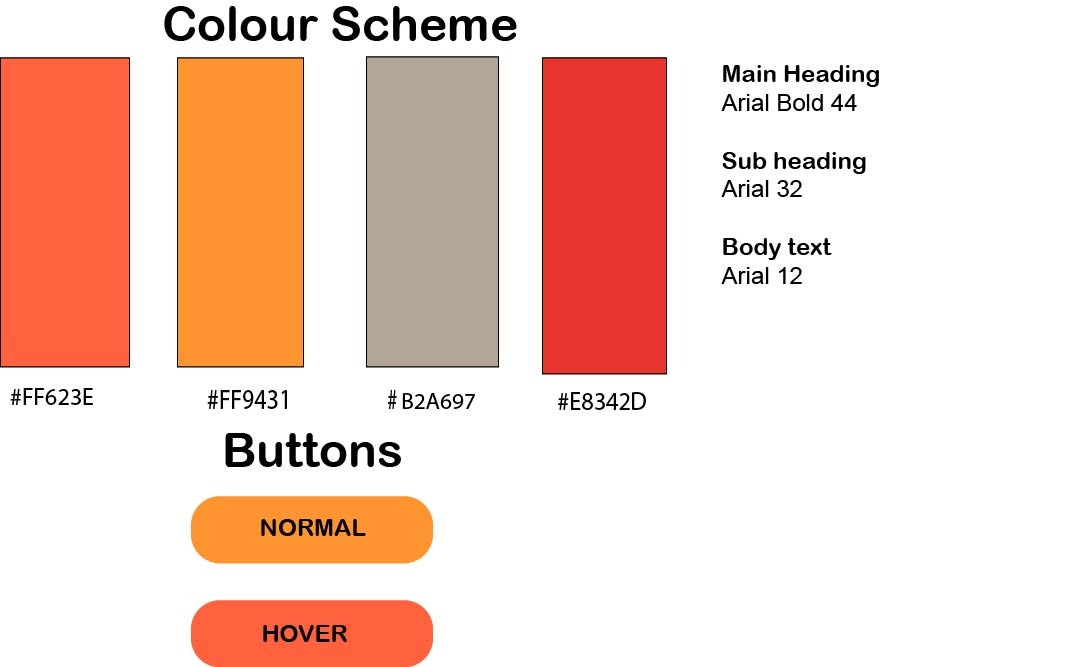
The main purpose was to include visuals that helped to tell the story. I explored images of airport scenes for inspiration. For a consistent visual style outlook, I custom-created the color palette and got to work on editing each asset using Adobe Illustrator. I designed the prompt boxes and buttons to maintain a similar outlook throughout.
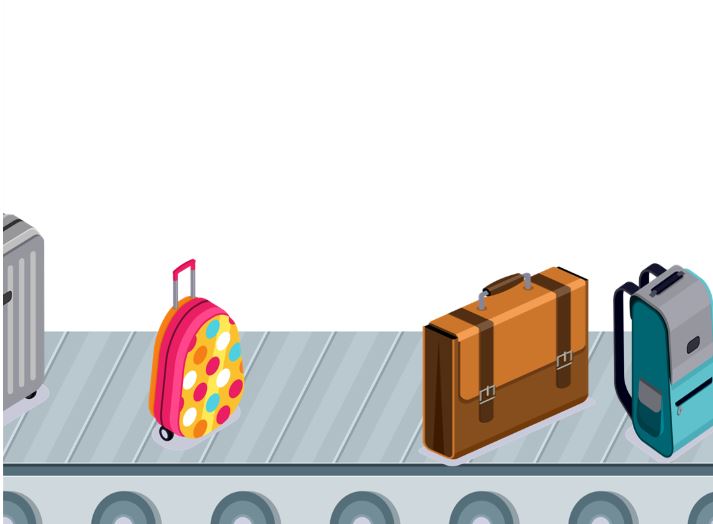
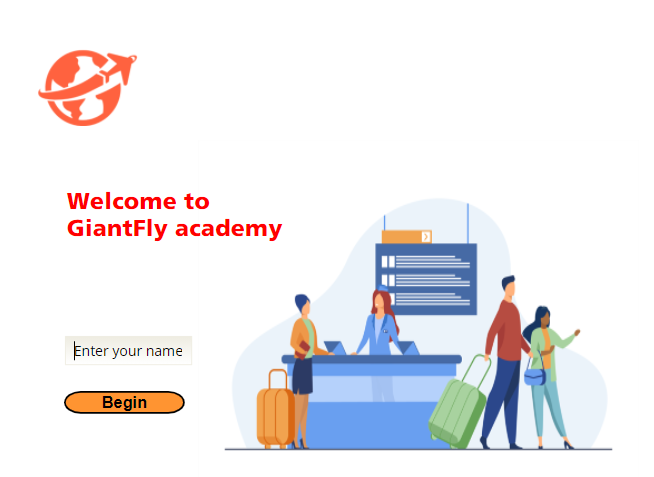
I developed a prototype to collect feedback on the functionality and development using Articulate Storyline 360. The prototype consisted of the title screen, scenario introduction, mentor introduction, and the first question’s correct and incorrect consequences. Besides that, I also prototype an aeroplane landing scene and luggage moving on the conveyor belt using a motion path.
The prototype was shared to get feedback on the look, feel and overall experience of the scenario. Users loved most of the prototype features. Minor amendments were made to the transition time and sound effect was added to the scene where bags were moving on the conveyor belt for a more immersive user experience. Once satisfied, I moved on to the full development.
Additional Features
Strategic Feedback
Learners have access to a mentor named Alicia, who assists them in guiding each question without revealing the correct answer.
Immersive Scenario Based scenes
Learners become immersed through engaging visual scenes in an immersive learning experience. They can experience the consequences of outcomes by correct and incorrect choices.
Customer Satisfaction Report
There are three different reports a learner can see depending on the choices selected. Each detailed review provides clues for the learner to help answer the question correctly if they got it wrong.
Results & Takeaways
This learning experience was well received by people online. Most of them loved how engaging the overall content was with a cohesive narrative. I have acquired some takeaways while developing the overall learning experience. Some of the testimonials from the community included:
“The sound effects during the airplane landing scene and bags moving on the conveyor belt were a great treat!”
“I found the customer service star ratings and report to be extremely practical for customer service employee know the consequences of certain choices made”
There were a few instances where I ran into issues while developing the e-learning content. However, I discovered myself learning the best through the problem-solving process. This way I am more likely to retain information easily and develop my skills further rather than just having someone tell me how to do it. I am good at self-learning and often find myself taking a vast interest in solving problems in multiple ways.
I have learned that every idea must be questioned from the perspective of the learner. This way it ensures that all the decisions made for the learning content are with the utmost priority of the learner`s immersiveness.
Throughout this process, I truly learned how helpful feedback could be. Your community or peers can often provide a different perspective you may not have considered. Looking through feedback helped me focus on the learner’s needs and kept me focused on delivering an exceptional learning experience for them.